In today’s fast-paced digital world, our laptops are constant companions, powering everything from intensive work projects to immersive gaming sessions. However, the relentless demands we place on these devices often lead to a common yet detrimental issue: overheating. This not only compromises your laptop’s performance and lifespan but can also contribute to significant discomfort and long-term health problems for you. A laptop stand with a built-in fan emerges as a powerful, dual-purpose solution, addressing both ergonomic needs and critical thermal management. This comprehensive guide will help you understand why this essential accessory is a game-changer for your workspace and how to select the perfect one to elevate your computing experience.
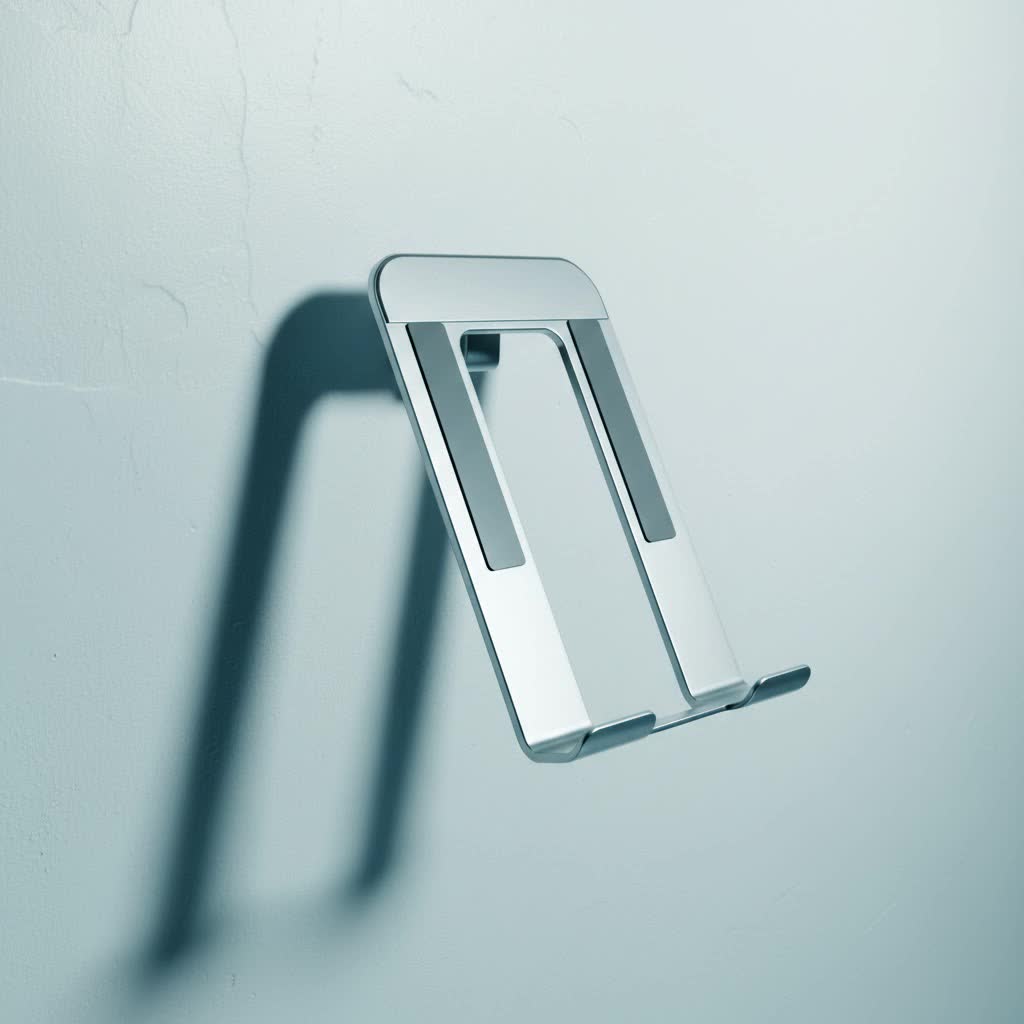
Why a Laptop Stand with Fan is Essential for Your Workspace
Integrating a laptop stand with a fan into your setup offers a myriad of benefits that extend far beyond simple device support. It’s about creating a healthier, more efficient, and more comfortable environment for both you and your technology.
-
Ergonomics: Combatting Digital Strain
Working with a laptop flat on a desk forces you to look down, leading to an unnatural curvature of the neck and a hunched posture. This common issue, often dubbed “tech neck,” can result in chronic neck, back, and shoulder pain. A quality laptop stand elevates your screen to an ergonomic eye level, encouraging you to sit upright with your spine naturally aligned. This simple adjustment drastically reduces physical strain, making long working hours more comfortable and preventing repetitive stress injuries. -
Cooling & Longevity: Protecting Your Investment
Laptops are prone to overheating, especially during demanding tasks like video editing, gaming, or running multiple applications simultaneously. When internal components get too hot, the laptop’s CPU often reduces its speed to prevent damage, a process known as thermal throttling. This leads to frustratingly slow performance, system crashes, and can significantly shorten your device’s overall lifespan. A laptop stand with a fan actively combats this by improving airflow around and under your device, forcing cool air into intake vents and dissipating heat more efficiently. This continuous circulation maintains optimal operating temperatures, ensuring your laptop runs at peak performance and lasts longer. -
Enhanced Productivity and Comfort
By keeping your laptop cool, a fan-equipped stand ensures your device can handle intensive tasks without lagging or slowing down. This sustained performance translates directly into enhanced productivity, as you can work or play without interruptions. Furthermore, a cooler laptop is quieter, as its internal fans don’t have to work as hard, creating a more peaceful environment. For those who use their laptops on their laps, the cooling function also prevents uncomfortable heat buildup, making prolonged use more pleasant.
|
Our Picks for the Best Laptop Stand in 2026
As an Amazon Associate I earn from qualifying purchases.
|
||
| Num | Product | Action |
|---|---|---|
| 1 | ETHU Laptop Floor Stand Adjustable Height, One-Hand Adjustment Projector Stand Tripod with Safety Lock, Heavy Duty Laptop Stand for Home Office Studio, Walnut |

|
| 2 | Steepy Portable Laptop Stand for Desk – Adjustable Height, & Portable Laptop Holder – Ergonomic Computer Stand for Cooling & Comfort – Slip-Proof, Sturdy Design – Universal Fit for 13-17 Inch Devices |
|
| 3 | Tonmom Laptop Stand for Desk, Adjustable Laptop Riser ABS+Silicone Foldable Portable Notebook Holder, Ventilated Cooling Notebook Mount Computer Stand for 10-15.6” Laptops,Tablets-Black |
|
| 4 | Lamicall Adjustable Laptop Stand, Portable Laptop Riser, Aluminum Laptop Stand for Desk Foldable, Ergonomic Computer Notebook Stand Holder for MacBook Air Pro, Dell XPS, HP (10-17.3'') - Silver |
|
| 5 | Gogoonike Adjustable Laptop Stand for Desk, Metal Foldable Laptop Riser Holder, Portable Desktop Book Stands, Ventilated Cooling Computer Notebook Stand Compatible with 10-15.6” Laptops |
|
| 6 | BESIGN LS03 Aluminum Laptop Stand, Ergonomic Detachable Computer Stand, Notebook Riser Compatible with Air, Pro, Dell, HP, Lenovo More 10-15.6" Laptops, Silver |
|
| 7 | Steepy Portable Laptop Stand for Desk – Adjustable Height, & Portable Laptop Holder – Ergonomic Computer Stand for Cooling & Comfort – Slip-Proof, Sturdy Design – Universal Fit for 13-17 Inch Devices |
|
| 8 | Amazon Basics Sturdy and Portable Ergonomic Laptop Stand for Desk, Height Adjustable Riser with Ventilated Cooling, Foldable, Fits all Laptops up to 17.3 Inch, Silver, 10 x 8.7 x 6 in |
|
| 9 | GleYo Laptop Stand for Desk Detachable Aluminum Computer Riser Portable Metal Notebook Printer Stand Holder Compatible with MacBook Air, Pro, Dell, HP, Lenovo and All 10-16" Laptops, Silver |
|
| 10 | BESIGN LS03 Aluminum Laptop Stand, Ergonomic Detachable Computer Stand, Riser Holder Notebook Stand Compatible with Air, Pro, Dell, HP, Lenovo More 10-15.6" Laptops, Black |
|
Exploring the Types of Laptop Stands with Fans
The market offers a diverse range of laptop stands with integrated cooling, each designed to cater to different needs and preferences. Understanding these variations will help you pinpoint the best fit for your specific use case.
-
Adjustable Laptop Stands with Fans:
These are perhaps the most popular type, offering significant ergonomic flexibility. They typically feature multiple height and angle settings, allowing you to fine-tune your screen position to your exact eye level. The integrated fans provide active cooling, making them ideal for home office setups or dedicated workstations where both posture and thermal management are priorities.- Pros: High ergonomic flexibility, improved posture, effective cooling.
- Cons: Can be bulkier than non-cooling stands, potentially higher price point.
-
Portable and Foldable Cooling Stands:
Designed for users who are frequently on the move, these stands prioritize compactness and lightweight design. They can often be folded down for easy transport in a bag, making them suitable for students, digital nomads, or anyone needing a temporary ergonomic and cooling solution in various locations.- Pros: Excellent portability, space-saving, convenient for travel.
- Cons: May offer less robust cooling or stability compared to larger models.
-
High-Performance Gaming Cooling Stands:
These stands are engineered for maximum cooling power, often featuring multiple large fans, higher RPM (rotations per minute), and sometimes specialized designs like foam seals to create a pressurized airflow. They are essential for gamers and professionals running highly demanding applications that generate significant heat. Many also include aesthetic elements like RGB lighting.- Pros: Aggressive and highly effective cooling, sustained performance for heavy tasks.
- Cons: Can be noisy, typically larger and heavier, often more expensive.
-
Basic Cooling Pads:
These are often simpler, more affordable pads that primarily provide a slight elevation and one or two basic fans. While they offer some improvement in airflow and temperature, their adjustability is limited, and their cooling power may not be as robust as more advanced models. They are a good entry-level option for casual users seeking minor temperature reductions and improved comfort.- Pros: Affordable, simple to use, improved basic airflow.
- Cons: Limited ergonomic adjustability, less powerful cooling.
Comprehensive Comparison: Laptop Stands with Fans
To help you quickly differentiate between the various types, here’s a detailed comparison of key features:
| Feature | Adjustable with Fan | Portable Cooling Stand | Gaming Cooling Stand | Basic Cooling Pad |
|---|---|---|---|---|
| Stability | Medium to High | Medium | High | Medium to High |
| Adjustability | High (height & angle) | Low to Medium | Medium (height/tilt) | Low (fixed tilt) |
| Portability | Medium | High | Low | High |
| Cooling Power | Medium to High | Medium | Very High | Low to Medium |
| Noise Level | Low to Medium | Low | Medium to High (can be loud) | Low to Medium |
| Price Range | Medium to High | Low to Medium | High | Low |
| Best For | Everyday desk work, home office | Travel, temporary setups | Gamers, heavy users, content creators | Casual use, light cooling |
Your Guide to Choosing the Perfect Laptop Stand with Fan
Selecting the ideal laptop stand with a fan requires careful consideration of your specific needs, your laptop’s characteristics, and your work environment.
-
Budget Considerations: Laptop stands with fans vary widely in price. Basic cooling pads can be quite affordable, while high-performance gaming stands with advanced features will be a greater investment. Determine how much you’re willing to spend, keeping in mind that a good stand is an investment in both your health and your device’s longevity.
-
Laptop Size and Weight: Ensure the stand you choose is compatible with your laptop’s dimensions. Most stands accommodate a range of sizes, but it’s crucial to check the maximum supported screen size and weight capacity to guarantee stability and a secure fit.
-
Primary Use Case: Your typical activities will heavily influence your choice. If you’re a gamer or a content creator running resource-intensive software, a high-performance cooling stand is essential. For remote workers prioritizing ergonomics and moderate cooling, an adjustable stand will suffice. If you travel frequently, a lightweight, foldable model is key.
-
Cooling Effectiveness & Fan Configuration: Look at the number, size, and RPM of the fans. A single large fan can move a significant amount of air quietly, while multiple smaller fans might offer more even cooling across the laptop’s base. Some advanced models feature specialized designs like vacuum-style blowers or foam seals to maximize cooling efficiency by preventing air leakage.
-
Ergonomic Features: For optimal comfort, prioritize stands with adjustable height and tilt angles. The ability to raise your screen to eye level and adjust the keyboard angle can make a profound difference in preventing strain. Some stands also offer wrist rests or textured surfaces for added grip.
-
Additional Functionality: Many stands come with extra perks. Integrated USB hubs can be invaluable for laptops with limited ports. RGB lighting adds a customizable aesthetic, especially for gaming setups. Cable management features can help keep your workspace tidy, and dedicated fan speed controls allow you to balance cooling power with noise levels.
-
Material Quality & Durability: Common materials include aluminum, plastic, or a combination. Aluminum is excellent for heat dissipation and often provides superior stability and a premium feel. Plastic stands can be lighter and more portable. Ensure the construction feels robust and capable of supporting your laptop securely.
-
Noise Level: Fans, by nature, produce some noise. High-performance fans, especially at maximum speed, can be noticeable. If a quiet workspace is paramount, look for models advertised as “ultra-quiet” or those with adjustable fan speeds to find a comfortable balance between cooling and acoustics.
Top Picks: Highly-Rated Laptop Stands with Fans
While product availability and specific models can change, certain designs and features consistently stand out in the market for their effectiveness and user satisfaction.
-
For Maximum Cooling: Brands like Llano and IETS are frequently cited for their high-performance gaming cooling stands. The Llano V12, for instance, is known for its powerful single fan and ability to drastically reduce temperatures, making it a favorite for gamers and heavy users. However, be mindful that its powerful cooling can come with a higher noise level at maximum settings.
-
For Balanced Performance and Value: The Klim Everest often receives praise as a strong USB-powered option, offering robust cooling capabilities without needing an external power source. It strikes a good balance between effectiveness and value, appealing to a broad range of users.
-
For Everyday Ergonomics and Cooling: The Kootek Cooler Pad Chill Mat 5 or similar multi-fan pads like those from Targus offer versatile solutions. They typically feature multiple fans, adjustable height settings, and often include additional USB ports, providing a solid blend of ergonomic support and active cooling for general use.
Where to Purchase Your Laptop Stand with Fan
When you’re ready to invest in a laptop stand with a fan, you’ll find a wide array of options across various retail channels:
- Major Online Retailers: Websites like Amazon, Best Buy, and Walmart offer extensive selections, competitive pricing, and user reviews that can guide your decision.
- Electronics Stores: Retailers like Micro Center or local electronics stores allow you to see and feel the products in person, which can be helpful for assessing build quality and stability.
- Brand-Specific Websites: Many manufacturers, such as Cooler Master, Portronics, or individual gaming accessory brands, sell directly through their own websites, sometimes offering exclusive deals or the latest models.
> “An effective laptop stand with a fan is more than just an accessory; it’s an investment in your health and your device’s longevity, ensuring optimal comfort and performance for years to come.” – Ergonomics Expert
Conclusion: Elevate Your Setup for Health and Performance
A laptop stand with a fan is a crucial addition to any modern workspace, offering a powerful combination of ergonomic correction and essential thermal management. By elevating your screen to a comfortable eye level, you can significantly reduce the risk of neck, back, and shoulder pain, promoting better posture and overall well-being. Simultaneously, the active cooling technology protects your laptop from overheating, ensuring sustained peak performance, preventing costly hardware damage, and extending the life of your valuable device. With a wide variety of types and features available, there’s a perfect stand out there to meet every need and budget. Choosing the right one means investing in a healthier, more productive, and more comfortable computing experience for years to come.
Ready to transform your workspace and protect your tech? Which feature of a cooling laptop stand will benefit your daily routine the most?
Frequently Asked Questions
Do laptop stands with fans actually make a difference?
Yes, they do. Laptop stands with fans can significantly reduce both internal and external operating temperatures, often by 5-20°C or more, especially for laptops under heavy load. This cooling prevents thermal throttling, improves comfort, and can extend your device’s lifespan.
What is thermal throttling and how does a cooling stand prevent it?
Thermal throttling is when a laptop’s CPU or GPU automatically reduces its clock speed to prevent overheating and potential damage. A cooling stand with a fan improves airflow, actively dissipates heat, and lowers the overall temperature, allowing your laptop’s components to run at their intended peak performance without throttling.
Are all laptop cooling pads noisy?
No, noise levels vary considerably. While high-performance gaming cooling stands with powerful fans can be loud at maximum settings (sometimes reaching 70 dB), many adjustable and portable cooling stands are designed for quieter operation. Look for models with adjustable fan speeds to find a balance between cooling effectiveness and acoustic comfort.
Can a laptop stand with a fan improve gaming performance?
Yes, a laptop stand with a fan can improve gaming performance by preventing thermal throttling. When a gaming laptop overheats, its components slow down, leading to lower frame rates. By maintaining cooler temperatures, the stand ensures the CPU and GPU can operate at higher clock speeds for longer, providing a more stable and consistent gaming experience, though dramatic frame rate boosts are generally not expected.
How do I clean my laptop stand with a fan?
Regular cleaning is important for maintaining efficiency. Most laptop stands with fans can be cleaned by wiping the surface with a soft, damp cloth. For the fan vents and blades, use compressed air to remove dust buildup. Always refer to the manufacturer’s instructions for specific cleaning guidelines and safety precautions, especially regarding electronic components.
Is a laptop stand with a fan necessary for casual users?
While more critical for heavy users, gamers, or those running intensive applications, even casual users can benefit. A cooling stand improves ergonomics, reducing strain from looking down at the screen, and provides better airflow to keep the laptop cooler, potentially extending its lifespan and making it more comfortable to use on soft surfaces like a lap or bed.
